
Claiming wQUIL on Ethereum L1
2. Generate hex payload proof
Generate hex payload from the Quilibrium bridge on the website
The hex payload string is meant to identify the originating wallet for the request. This is so when you feed it into the
cross-mintcommand on the node, the proof generated is only valid for your EVM wallet.
1. Click Claim Rewards button
Go to the new updated Quilibrium website and click Claim Rewards button.

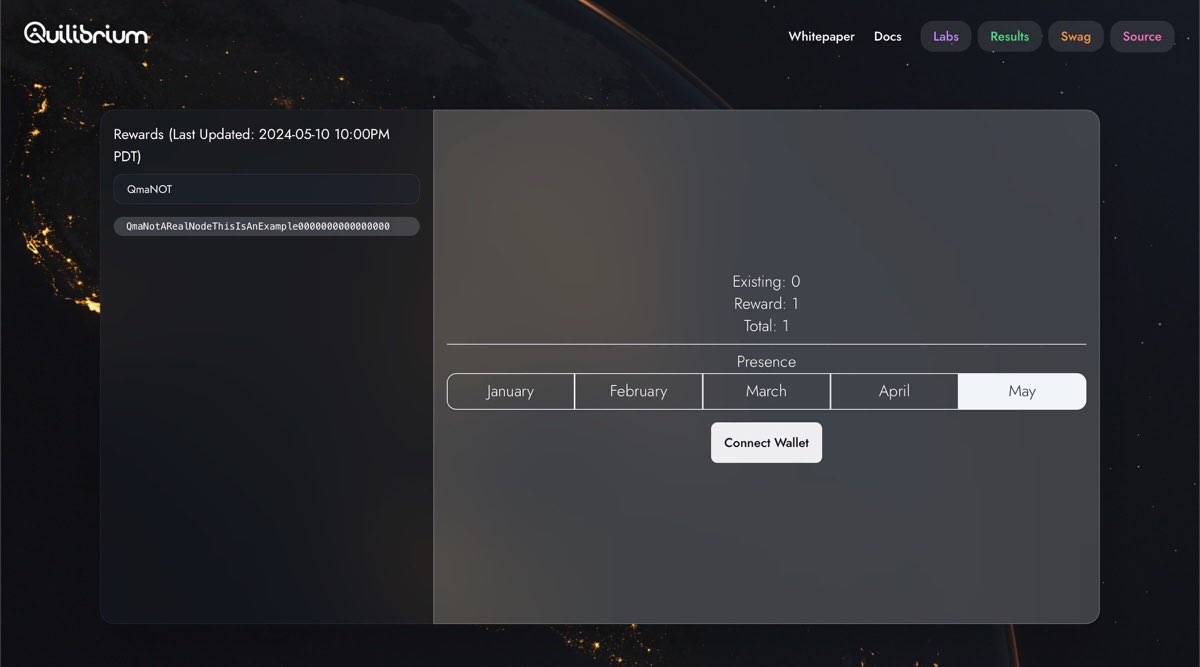
2. Input your node peer ID and connect wallet
Input your node peer ID on the textfield on upper-left corner. Press Enter. Then, click Connect Wallet button.
3. Choose your wallet extension
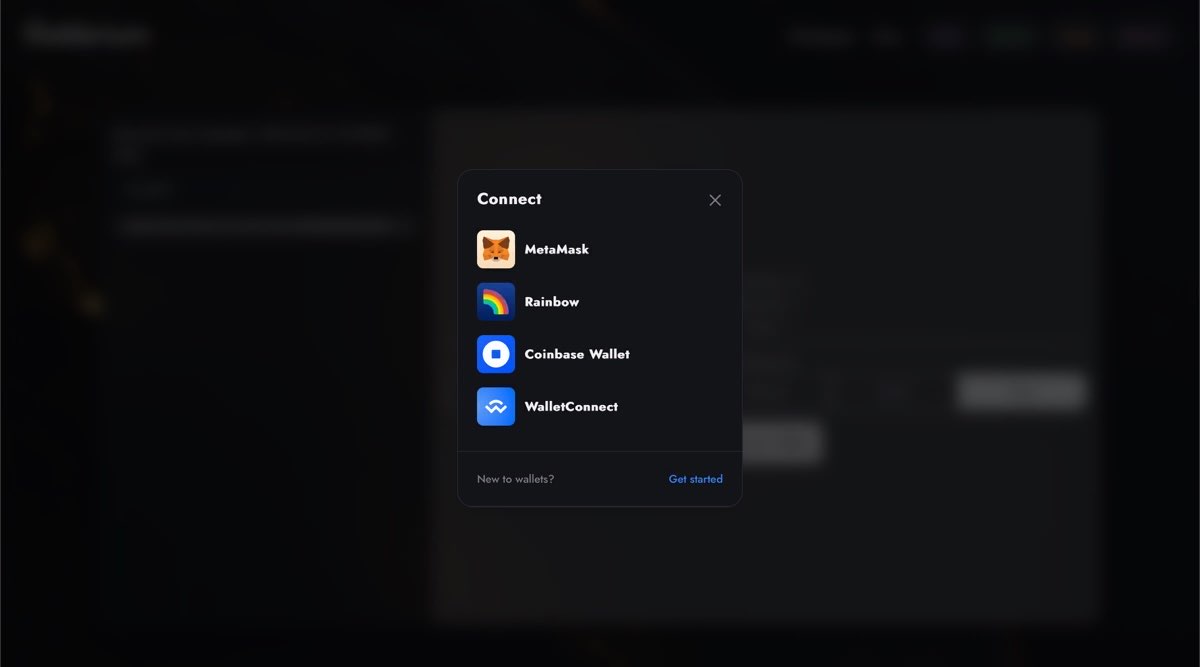
Choose your EOA wallet extension where your Ethereum L1 wallet is found.
If the wallet extension you're using can be found among the options, choose the respective icon.
If others, look for them in Wallet Connect option.
4. Generate the hex payload string as proof
After connecting your wallet, you will see a Prove button after. Clicking on that opens the dialog window below.
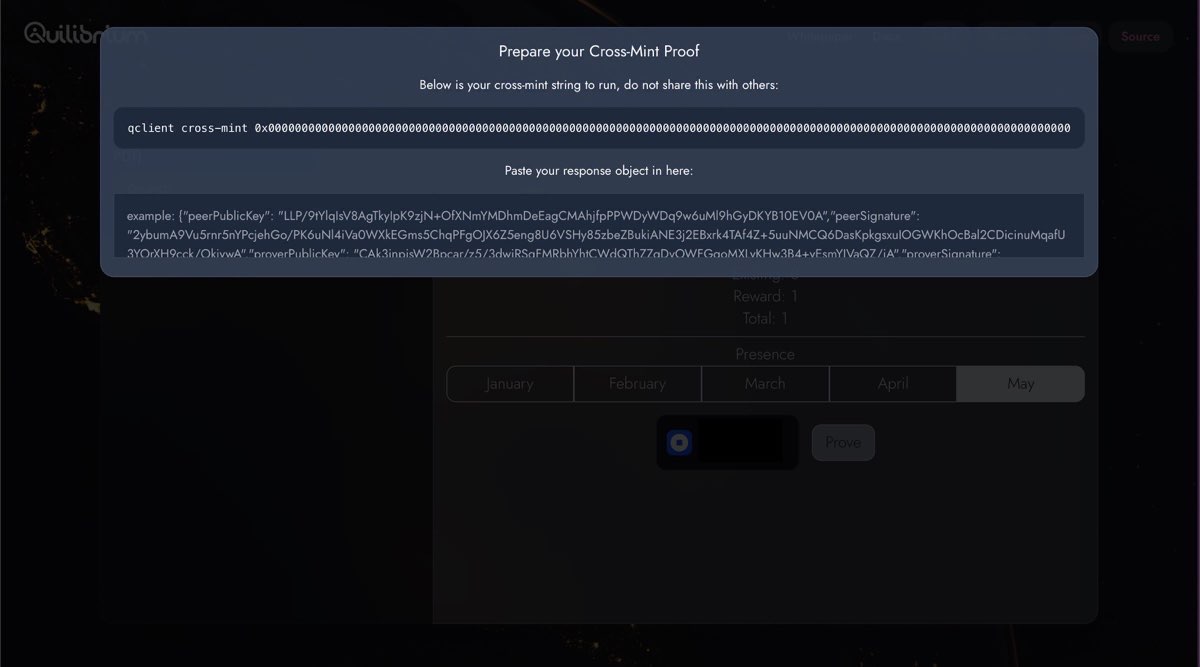
Copy that line qclient cross-mint 0x000000000... to clipboard (by selecting the entire line and pressing Ctrl+c) and proceed to the next step.